Few SEO diagnoses are applied as loosely as keyword cannibalization. Someone sees two URLs from the same site in the results for one query, declares a problem and starts merging pages. Sometimes that is the right call. Often it removes a page that was serving a different audience, and traffic drops instead of rising.
This post walks through how we approach it: find the overlap, decide whether it is hurting you, then pick the smallest fix that works.
What cannibalization actually is
Cannibalization happens when several pages on one site compete for the same search intent, and that competition keeps any of them from performing as well as a single strong page would. The key word is intent, not keyword. Two pages can share a keyword and serve different needs. Two pages can share no exact keywords and still answer the same question.
It usually shows up in a few forms:
- A blog post and a product or service page both target the same commercial phrase.
- Several near-identical posts were written over the years on the same topic, each with a slightly different angle.
- Category, tag and filter pages that generate indexable URLs aimed at the same term.
- Location or variant pages that differ only by a swapped word.
It is not the same as duplicate content. Duplicate content is about identical or near-identical text. Cannibalization can happen with entirely unique writing, because the issue is overlapping purpose.
Step 1: Find candidate queries
Start with data you already have. We use three sources and look for agreement between them.
Search Console, by query and page
In the Performance report, filter to a single query and switch to the Pages tab. If two or more URLs from your site collect impressions for that query, you have a candidate. Do this for your most valuable queries first, not for the whole site. A long tail of overlap on low-value queries rarely deserves attention.
Rank tracking history
The most telling symptom is a ranking URL that keeps changing. If a tracked keyword shows page A this week, page B next week and neither holds a stable position, Google is struggling to choose. Tracking the ranking URL alongside the position makes this visible. A position chart alone hides it, which is one reason we record the URL for every keyword check in SearchAuditPro.
Your own site structure
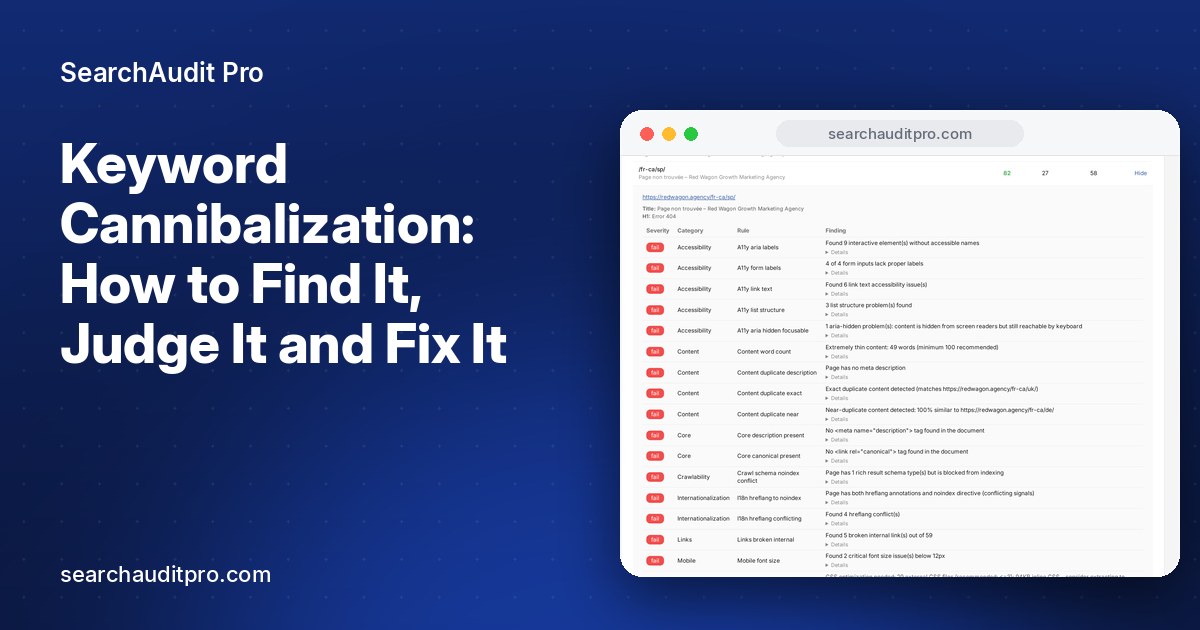
Export titles, H1s and URLs from a crawl and sort them. Pages with near-matching titles or H1s are the likely culprits, even before you look at rankings. A page-by-page audit makes this quick to scan, since overlapping titles and headings sit side by side.
Step 2: Judge whether it is a real problem
Before changing anything, ask four questions about each pair of competing pages.
- Do they serve the same intent? Search the query yourself. If the results are all guides, and you have a guide and a product page, the product page is probably not the right match anyway. If the results are mixed, both of your pages may deserve to be there.
- Is either page underperforming its potential? If the two pages together get fewer clicks than a comparable single competitor page, that points to a real split in signals. If both rank in the top few spots, you are occupying more of the results page, which is a good outcome.
- Is the ranking URL the one you want? A blog post outranking your service page for a buying query can mean lost conversions even when traffic looks fine.
- Is the pattern stable or flipping? Flipping suggests Google sees them as interchangeable. Stable and split usually means they are seen as different.
If the answers show two pages with different purposes, both performing, leave them alone. Not every overlap needs a fix.
Step 3: Choose the fix
There are five realistic options. Work down this list and stop at the first one that fits.
Differentiate
If both pages deserve to exist, sharpen their purposes. Rewrite the title, H1 and opening section of each so one clearly targets the informational need and the other the transactional one. Remove paragraphs that drift into the other page's territory. This is the lowest-risk option because no URLs change.
Re-point internal links
Internal links tell search engines which page you consider the main answer. Check the anchor text pointing to each page. If your guide is receiving anchors like "buy widgets", and your product page is receiving "what is a widget", the signals are crossed. Swap them so the right anchors go to the right pages. This is often enough to settle a flipping URL.
Consolidate
When two pages answer the same question and neither has a separate reason to exist, merge them. Keep the page with the stronger links, history and URL, fold the best material from the other into it, and 301 redirect the retired URL to the survivor. Update internal links so they point directly to the final URL instead of relying on the redirect.
Canonicalize
If a page needs to stay live for users but should not compete, such as a sorted or filtered variation, a canonical tag pointing to the main version is appropriate. Remember that canonicals are a hint, not a command, so make sure the pages are genuinely similar.
Noindex or remove
Thin tag pages, outdated posts with no links and no traffic, and auto-generated variants can simply be noindexed or deleted. If a removed page has any external links, redirect it to the closest relevant page instead of letting it return a 404.
A worked example
Here is a hypothetical case, not a client result. A site sells project management software. It has a feature page titled "Project Management Software" and a blog post titled "The Best Project Management Software for Small Teams". Search Console shows both URLs getting impressions for "project management software", and the rank tracker shows the blog post and the feature page swapping places.
Checking the live results, we see mostly comparison lists. That tells us the blog post matches the intent better, and the feature page is the weaker candidate for that query. Rather than merge them, we would retitle the feature page around the product and its capabilities, link to the comparison post from relevant places with comparison-style anchors, and link to the feature page from the post with product-style anchors. Then we would watch whether each URL settles on its own set of queries.
If instead we found two near-identical comparison posts from different years, we would merge them and redirect the older one.
Step 4: Verify the result
Give changes a few weeks to be recrawled and reprocessed, then check:
- Does one URL now consistently rank for the target query, with a steadier position?
- Have combined clicks for the query gone up, stayed flat or gone down compared with the period before?
- Did redirected URLs drop out of the index, and does Search Console show the survivor as the selected canonical?
- Are any internal links still pointing at retired URLs? A crawl will list them.
Compare like periods and account for seasonality. If clicks fell after a merge, check that you carried over the useful content rather than only the redirect.
Step 5: Prevent it from returning
Most cannibalization is a planning problem. The cheapest prevention is a simple keyword map: one row per URL, with the primary topic, the intent it serves and the secondary terms it may cover. Before commissioning a new page, search the map. If a page already covers the topic, update that page instead of publishing another.
A few habits help:
- Review the map whenever a new section, product line or location is added.
- Refresh old posts rather than writing a new one every time a topic returns.
- Run a crawl each quarter and look for pages whose titles and H1s have converged.
When to leave it alone
We would rather under-treat than over-treat. A pair of pages ranking in positions two and four for the same query is a strong result. Merging them might leave you with one result at position two and less total visibility. Act when there is evidence of harm: unstable rankings, the wrong page ranking for a commercial query, or several weak pages where one strong page would do.
Cannibalization is worth fixing when the data shows two pages holding each other back. Use Search Console and ranking history to spot it, judge intent before touching anything, and pick the lightest fix that resolves the conflict. If you want the crawl data and ranking URLs in one place, SearchAuditPro covers both, but the method works with any toolset and a bit of patience.